Mask
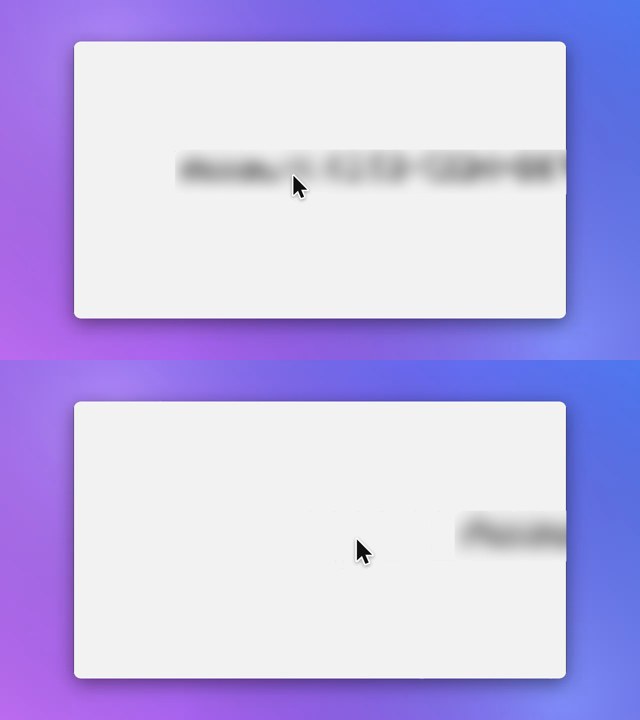
Blur that follows.
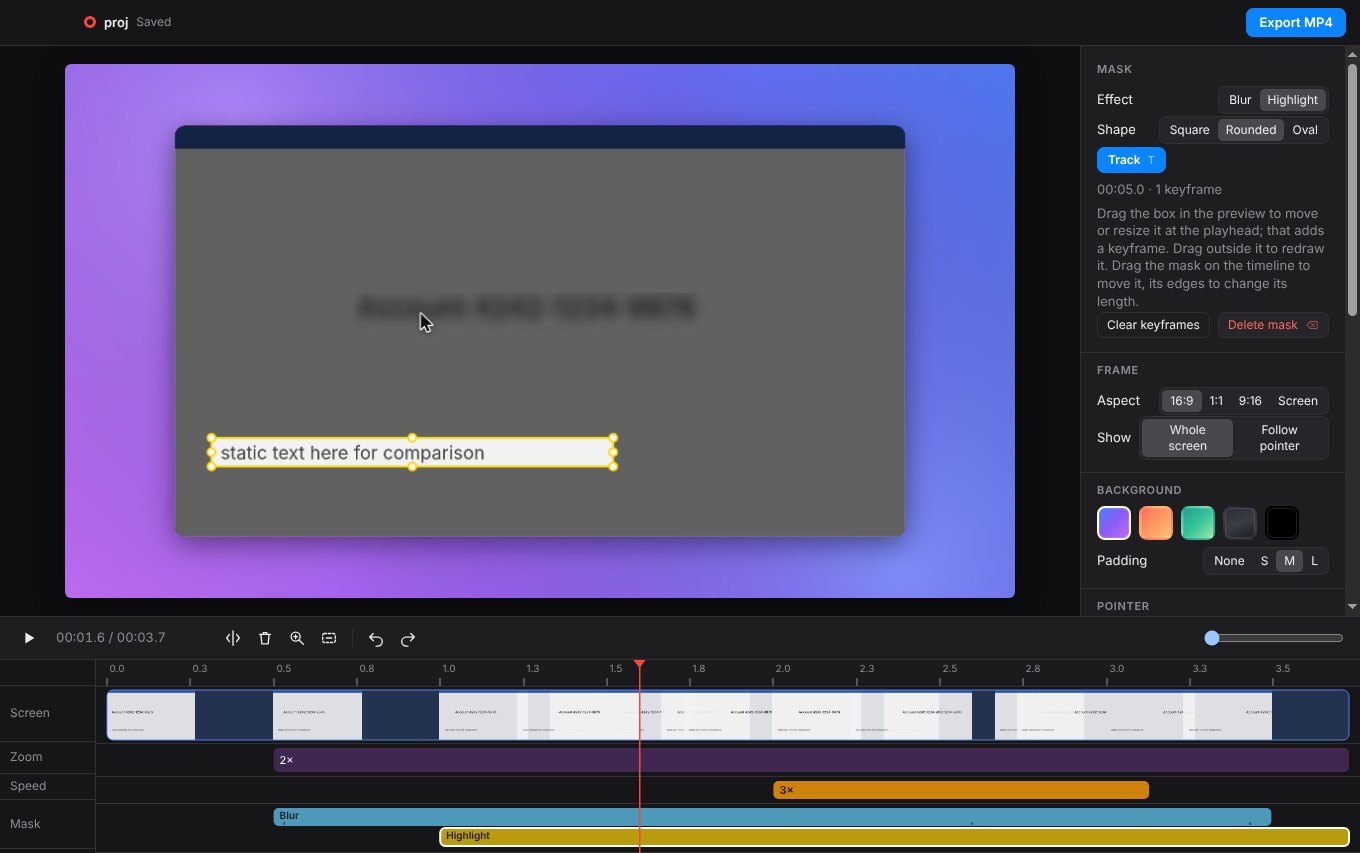
Box an email or an account number once and press Track. ScreenTell follows it as it moves and keeps it blurred. Switch to Highlight to dim everything else instead.
ScreenTell zooms in where you click, smooths your cursor and puts your recording on a clean background. Trim it, export it, done.
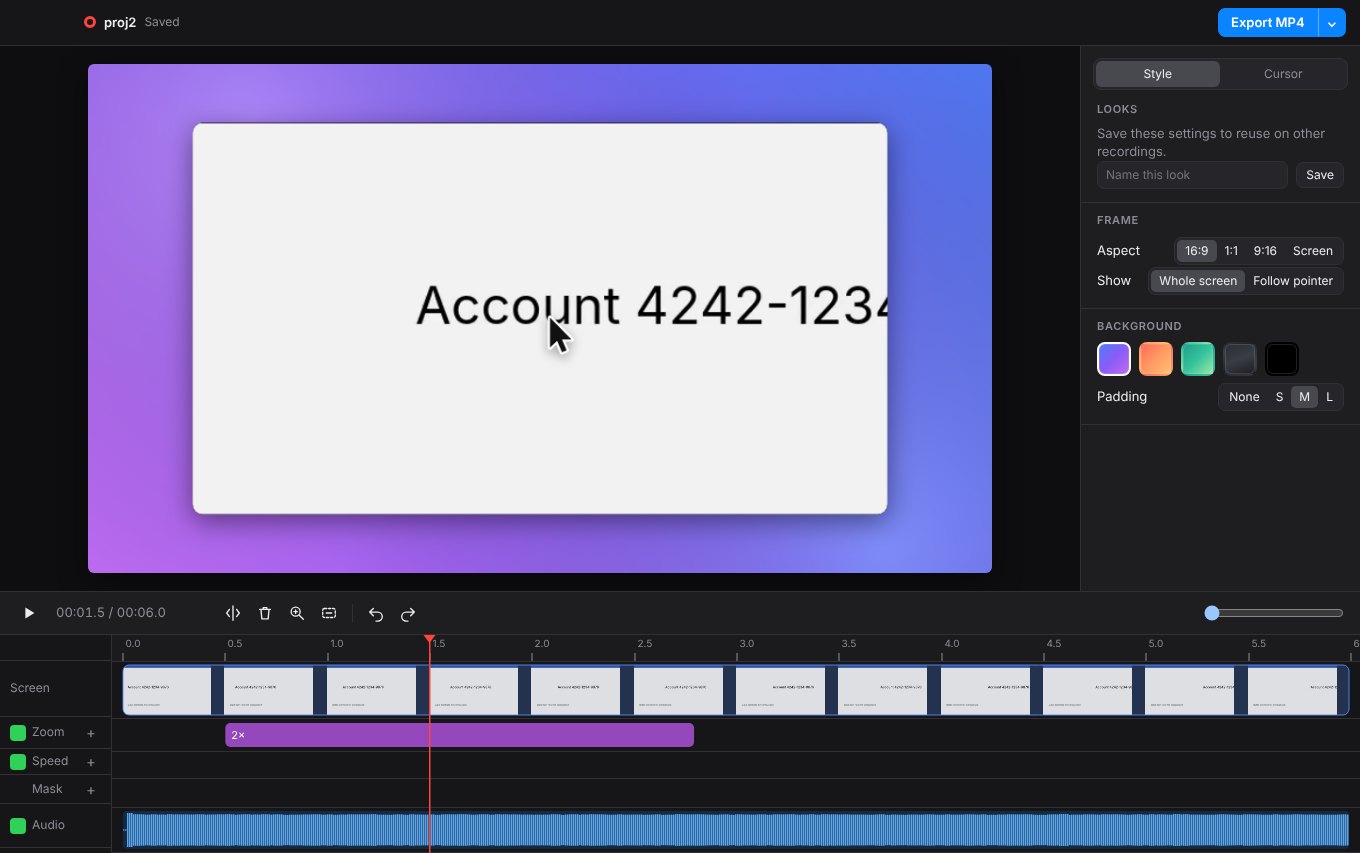
ScreenTell remembers every click and keystroke while you record. In the editor, each one becomes a smooth zoom toward the action, so viewers always see what you're pointing at.
All of it happens after you hit Stop, so you can record normally and fix it in a minute.
Box an email or an account number once and press Track. ScreenTell follows it as it moves and keeps it blurred. Switch to Highlight to dim everything else instead.
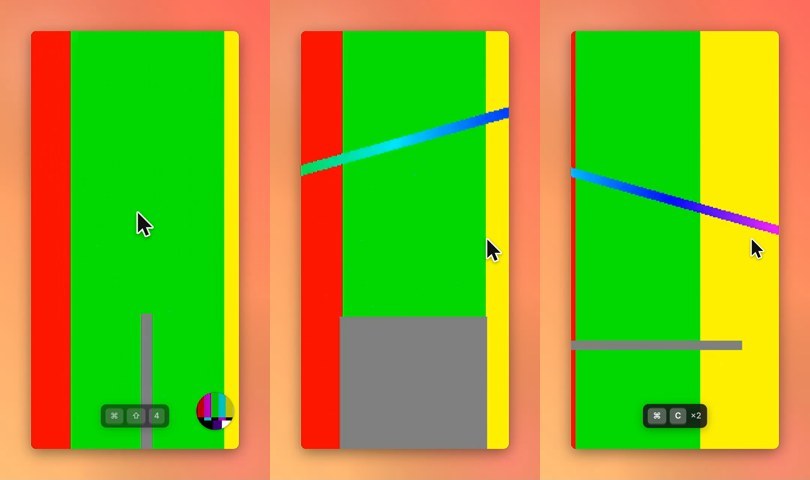
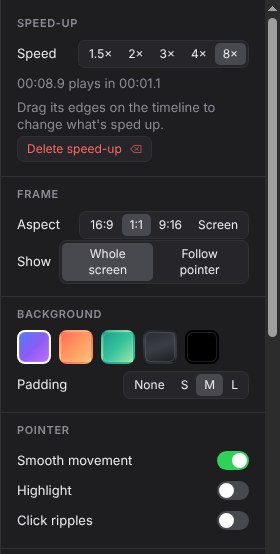
Export 16:9 for YouTube, 1:1 for posts and 9:16 for Reels and Shorts. Follow pointer keeps the action in frame when you go vertical.
Speed up the slow parts from 1.5× to 8×. Key sounds mute while it's sped up.
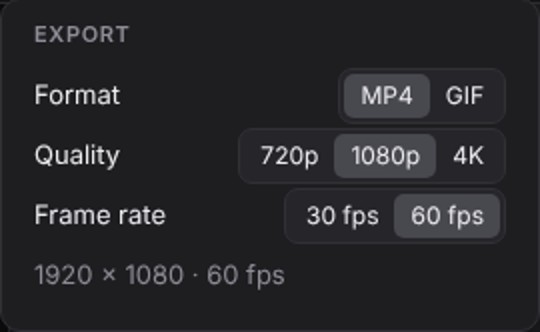
720p, 1080p or 4K at 30 or 60 fps. GIFs for docs and pull requests. Copy the file straight to your clipboard.
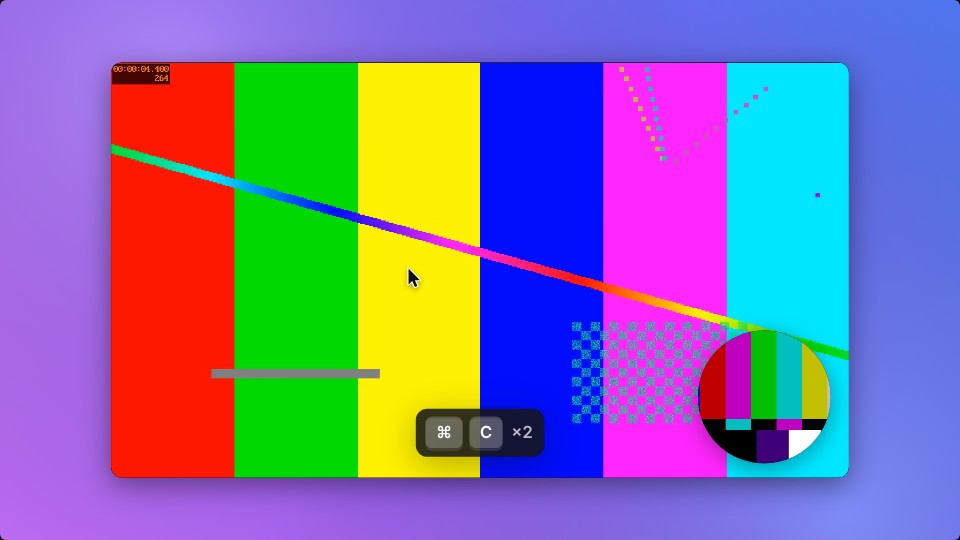
Keys pressed with ⌘ show up as a badge, and every keystroke can get a soft click. Try one:
A camera bubble in any corner, as a circle, rounded square or rectangle. It can fade out when you're not talking.
Keep your background, frame, pointer, zoom, camera and export settings together. Apply them to the next recording in one click.
Pick a screen or a window, turn on your camera and mic, and go after the countdown.
Pause anytime · global shortcutZooms are already in place. Trim, split, add a blur or nudge a zoom if you want to.
Undo and redo · saves as you goDrop the MP4 in Slack or the GIF in a pull request.
MP4 · GIF · copy to clipboardScreen, zoom, speed, mask, camera and audio each get one track. Drag a track's edges to change it.
ScreenTell records, edits and exports locally. There's no cloud step and nothing to sign up for.
Yes. ScreenTell is free to download and use, and your exports don't get a watermark.
ScreenTell is built for macOS first. Windows is coming next.
Into ~/Movies/ScreenTell on your Mac. Nothing is uploaded unless you share the file yourself.
macOS asks once for any app that records your screen. Allow ScreenTell in System Settings, under Privacy & Security, then Screen Recording.
Yes. Draw a blur mask over it and press Track. ScreenTell follows it as it moves, so you don't have to keyframe it by hand.
MP4 at 720p, 1080p or 4K, at 30 or 60 fps, and GIF at 480p or 720p. Any of them in 16:9, 1:1, 9:16 or your screen's own shape.